Long Take
Some things are easier to show than to write down. Long Take makes short camera films in a browser — a title, a route of steps, a closing line, or your own charts — with the camera work already done. You change the words; the shots still join up. One file out, and it plays anywhere.
A film about making a film
The film below is the tool itself, running live: a template picked, four steps typed, the assistant asked for a first draft, the cut played, the file downloaded, opened full screen and dropped into a course page. Nothing in it is a mock-up — the film it makes is a real Long Take film.
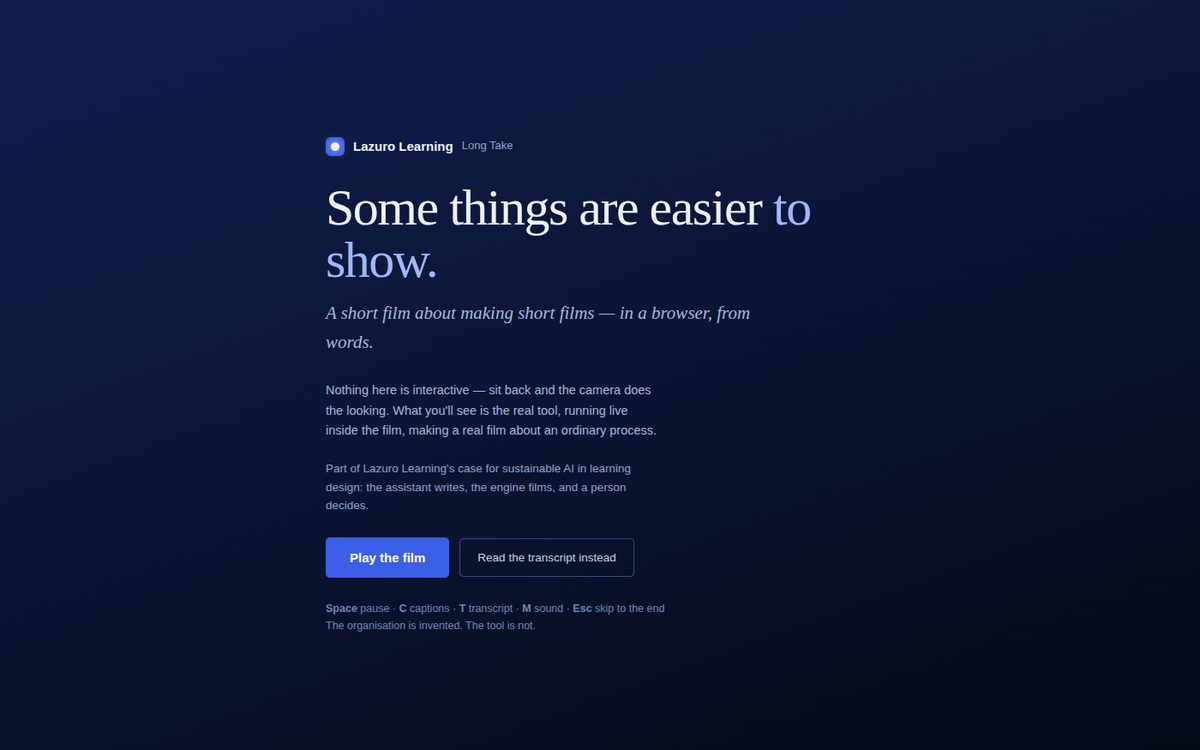
The tool, live
Start from a template — a module opener, a process walkthrough, a vertical micro-lesson, a picture wall, a data story — and make the words yours. Every shot is a clip in a strip; press play under the preview to watch the cut; download the film as one file. Or bring your own numbers: ten chart types stand in the same space and get filmed the same way.
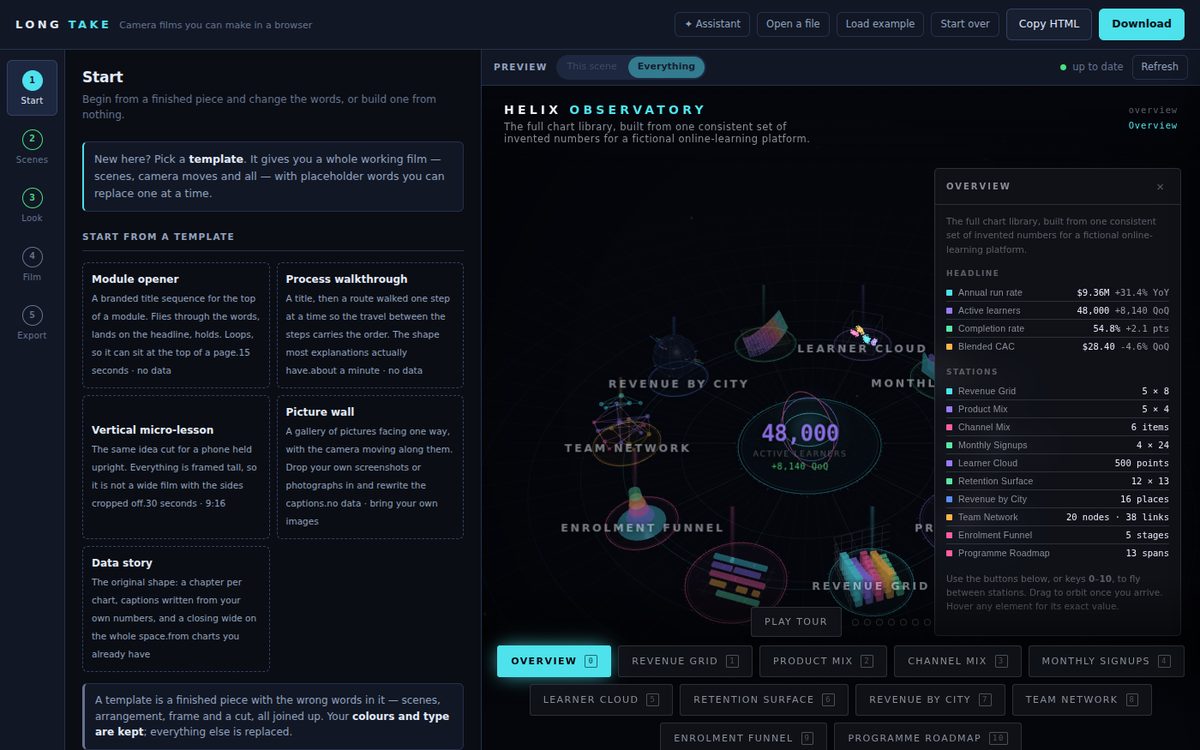
The engine films. You write.
A piece is a handful of scenes standing in a space — words as objects the camera can fly through, a journey of steps it walks one at a time, an object to orbit, a picture, a chart — and a cut: which scene, from where, for how long, with what caption. The camera vocabulary is a film crew's (corner, close, over the shoulder, establishing; fly, cut, carry on; dissolve, dip, wipe) and every preset is only a starting number you can type over.
Captions burn in. A transcript travels inside the file and downloads on its own. The finished film is one HTML page with the engine inside it: a course page, a slide, an intranet, a USB stick.
Templates that already work
A finished piece with the wrong words in it. Change the words; the arrangement, the frame and the cut are kept.
Nothing is uploaded
The film is assembled in your browser tab. Your words and your numbers never leave your machine; the download is the only thing that moves.
AI writes, people decide
The assistant turns a brief into scenes and captions — as a proposal you apply or discard, with an undo. It never touches the camera. That's the working example of what the training day teaches.
Free to make. A plan for the assistant.
The builder, the templates, the ten chart types and the download are free, and nothing you type leaves your browser. A Lazuro Tools plan adds the assistant — write a film from a brief, turn a process into a walked journey, rewrite the captions on a cut you already have — and stamps every export to your account. One Lazuro Tools plan covers every builder.
Free
Every template, every chart type, the film and the interactive version. One file out, yours to keep, with a Lazuro licence line.
Lazuro Tools · $29 a month
The assistant with a fair-use allowance, account-stamped exports and every engine update, in every Lazuro builder. Cancel any time.
Lazuro Tools · $290 a year
The same, two months cheaper. Prices in AUD, GST added where it applies; invoices available for organisations.
One email address, no password: the account page sends you a link. Running a workshop or a pilot? Get in touch for access codes that unlock the assistant without a plan.
Something easier to show than write down?
Start from a template and make the words yours. If you'd rather it were made with you, that takes a conversation.
Open Long Take